Introducing the University Application Workspace

Your university applications. Research. Prepare. Track. In one place.

Everything in one place – applications, documents, tasks and deadlines – so you always know what's next. Research and prepare in Studee. Apply as usual.
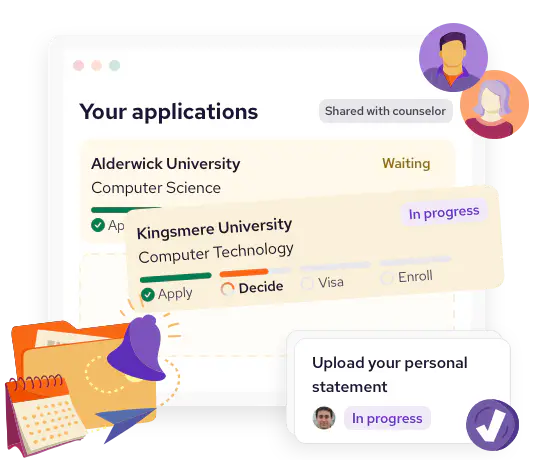
An illustration of an application tracking dashboard showing university applications status. One is 'waiting,' another 'in progress'. A task card to upload a personal statement sits on top.

Your applications, organized – in 3 steps

  • Illustration of a hand holding a smartphone with a Studee logo, surrounded by a passport, a folder with papers and certificates, and a form.

    Create your workspace

    One place to organise applications, tasks, documents and deadlines.

  • Illustration of a person using a laptop, with an orange filter beside them. A dollar symbol and a clipboard with a checklist are entering the filter, symbolizing filtering and matching to your needs.

    Shortlist best-fit options

    Find programs you qualify for, can afford, and actually want to study.

  • Illustration of an orange folder with a purple notification bell, a calendar, and a blue cursor sitting on top.

    Track your applications

    Keep applications up to date, with clear progress so you know what's next.

A clearer way to manage university applications

Bring research, application tracking, documents, tasks and progress into one organized workspace.

Everything you need for each application

From research to enrollment, see exactly what's required, what's done, and what's next for every application.
  • Research & Compare – Explore programs, costs, requirements and key details.
  • Application Tracking – See every status, deadline and next step clearly.
  • Document Vault – Upload, organize and send documents with confidence.
  • Tasks & Reminders – Keep actions moving with ownership and timely nudges.
  • Progress View – Instantly spot what's on track, missing or overdue.
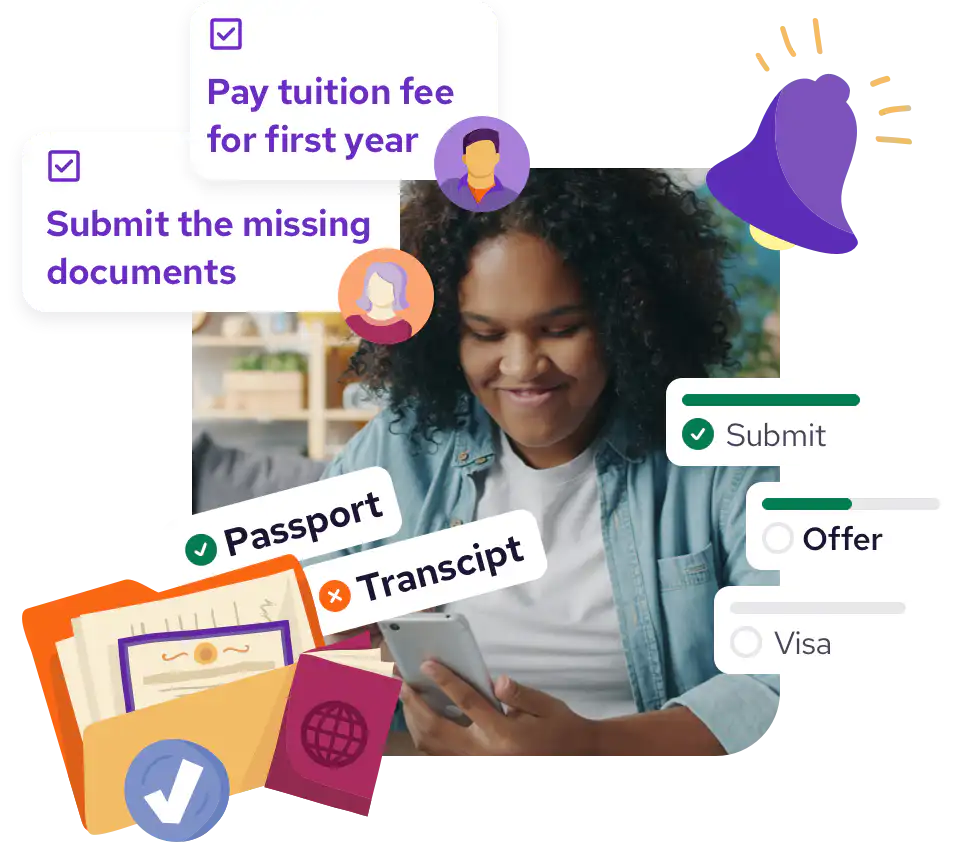
A person using a smartphone, surrounded by icons and checklists about submitting documents, paying tuition, and processing visas with a notification bell.

The university applications workspace built with counselors, for counselors.

Take the admin off your plate – without losing visibility or control.
  • Cohort-level visibility – See what needs attention across your whole cohort.
  • Clear task ownership – Make responsibilities clear, without constant follow-up.
  • Fewer missed deadlines – Spot risks early and keep deadlines on track.
  • Document control – Keep versioned files secure, organized and easy to manage.
  • Workflows – Coordinate multi-stakeholder tasks clearly, across every application.
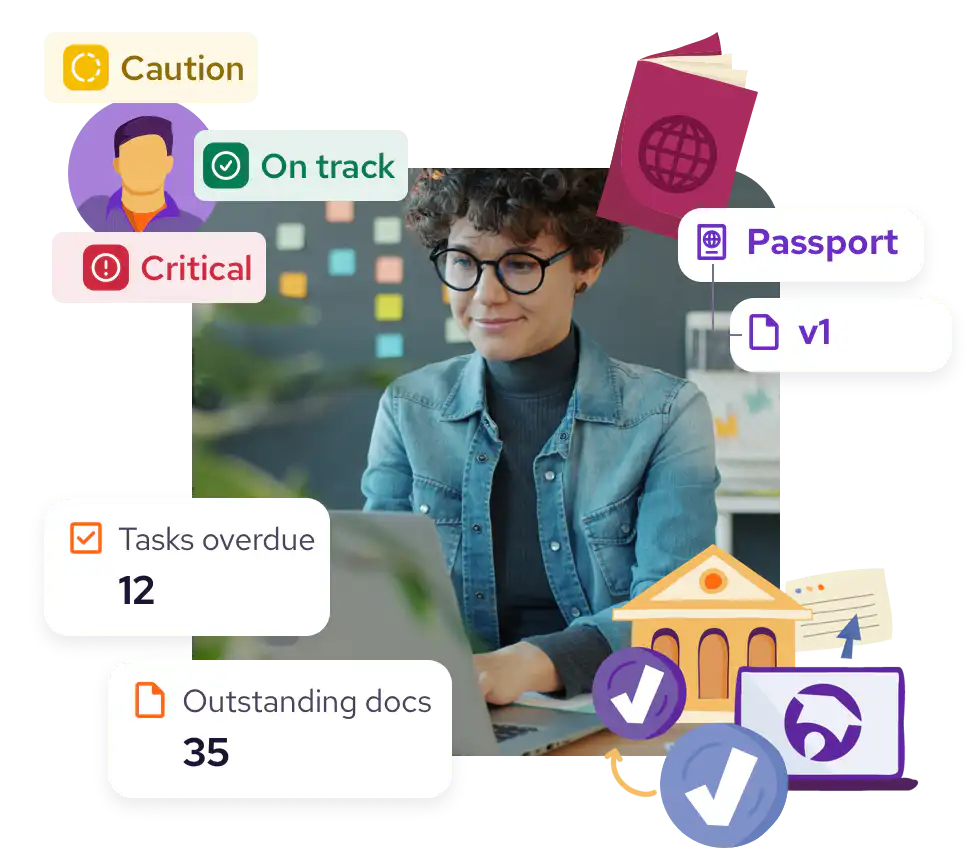
A female counselor in glasses surrounded by cards showing "Tasks overdue: 12," "Outstanding docs: 35," with labels "Caution," "On track," "Critical" around a student icon.

Find the perfect program

We match you with universities that fit your interests, budget, and goals. Let us help you start your study abroad journey.

Already have a university in mind?

Need help? First, work out which degree type suits you. Then, think about these key details when you've decided to study for a degree abroad.

Frequently asked questions

  • When is the University Application Workspace being launched?

    The University Application Workspace launches in June 2026. Until then, you can still compare universities and programs on our website.

  • Do I need my school to use Studee?

    No. You can create your own workspace. If your school joins Studee later, you can connect your account and work together with your counselor on applications, documents, and next steps.

  • Can my counselor see my applications?

    Not by default. Your counselor can only see your applications if your school has its own workspace and you choose to share access. You stay in control of who can view your applications and documents.

  • What universities are included?

    We’re starting with more than 1,500 QS-ranked universities. We’ll expand coverage in phases as we add more institutions.

  • Is my data secure?

    Yes. Access is permission-based, and you control who can view your information. We handle your data in line with UK GDPR requirements.

Illustration of an open book surrounded by icons representing education and travel, including a globe, graduation cap, airplane, suitcase, and famous landmarks, all emanating from the pages.

How we give back

  • Prospect Burma logo

    Charity partnerships

    We fund projects to help students who don't have access to education to study abroad.